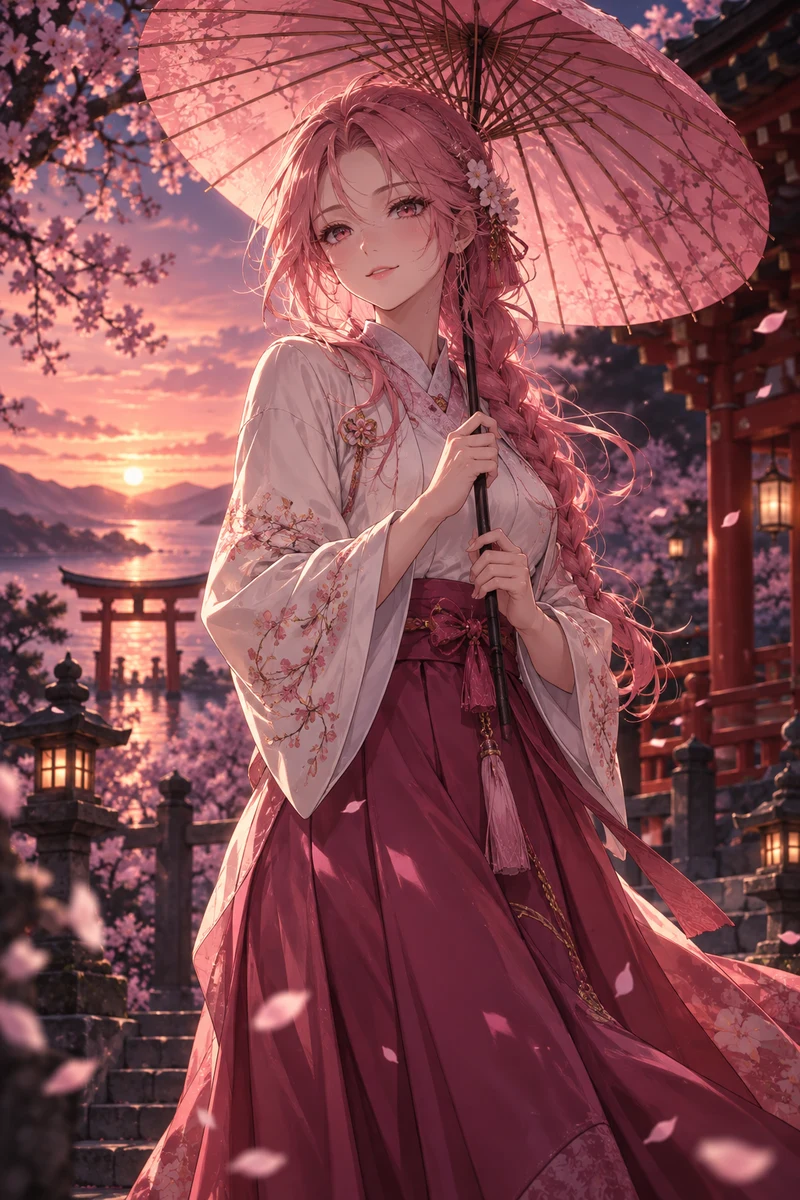

01 / FREE LAYOUT
Classic 1 image
Your complete illustration becomes a foil card. Add words and a frame without creating another image.
Explore the complete 1-image card ↗Your favorite photo. Your original character.
Turn them into holographic cards
that come alive with every tilt.
YOUR IDEA. YOUR COLLECTOR’S EDITION.
Start with your own photo or artwork. Give it depth, light and a little personality.
Arrange every part of your card. Use your own images, then tune depth and holographic light in advanced editing.
Free to create. Save online for 30 days or download a keepsake that opens in a browser.
 Opening your hologram…
ONE IDEA. FIVE WAYS TO MAKE IT SHINE.
Every thumbnail below is a real layer.
Open it. See exactly how the card is built.
Your complete illustration becomes a foil card. Add words and a frame without creating another image.
Explore the complete 1-image card ↗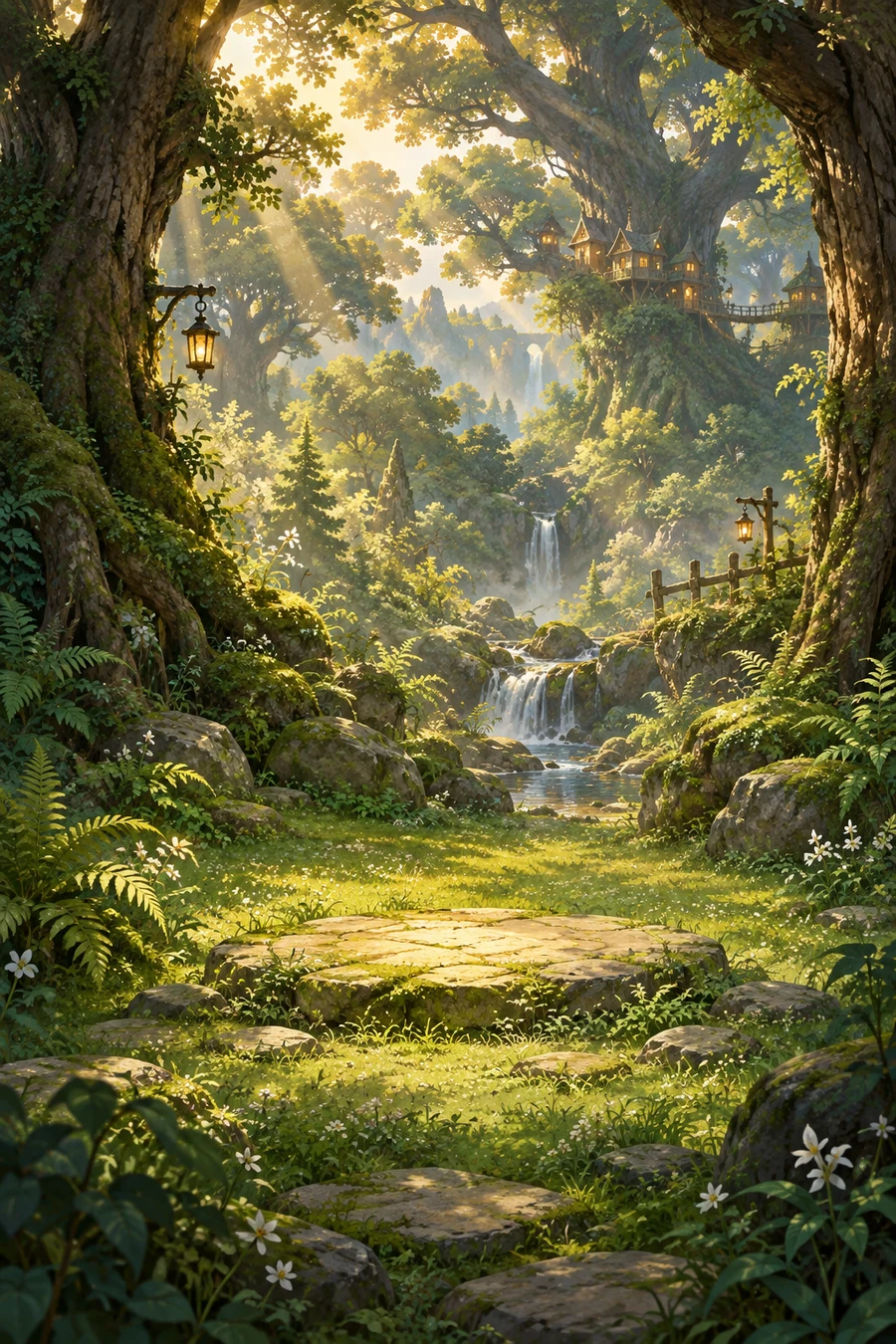
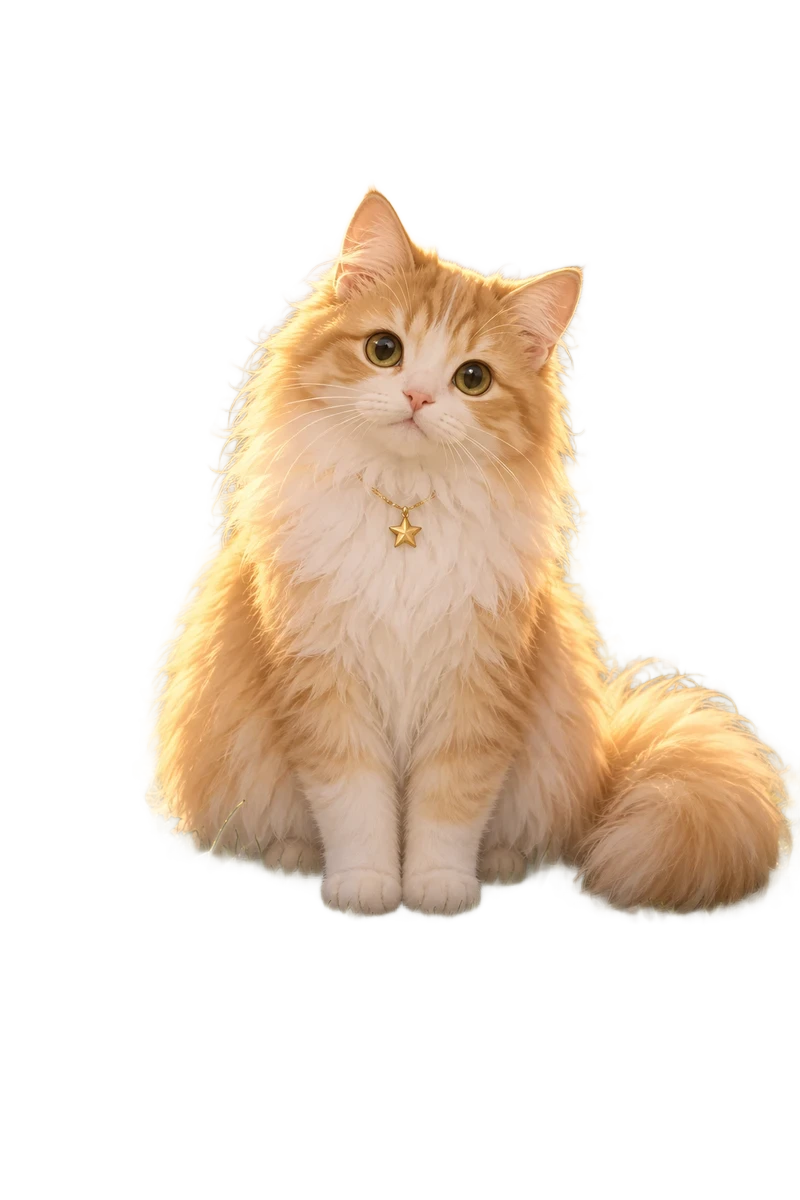
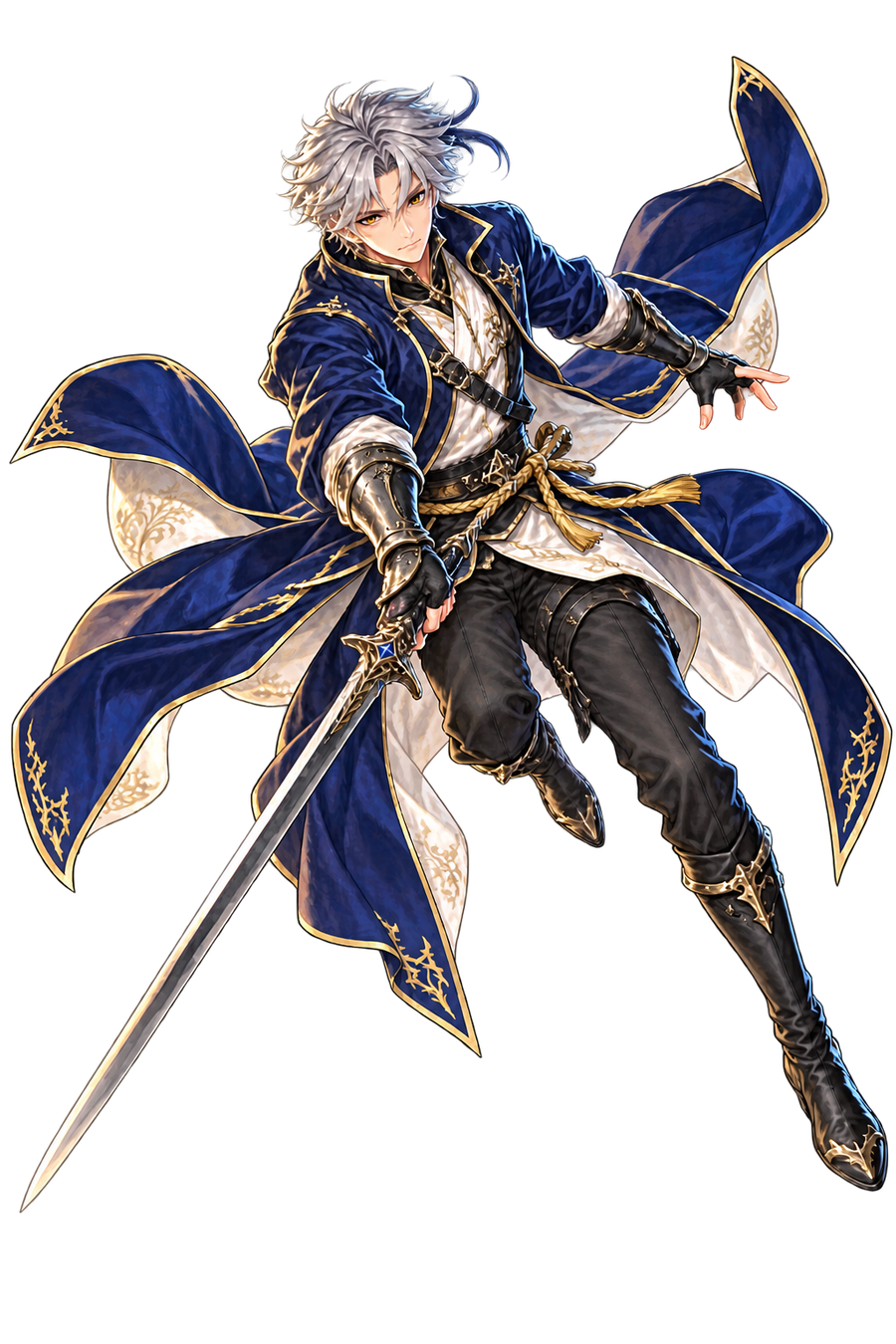
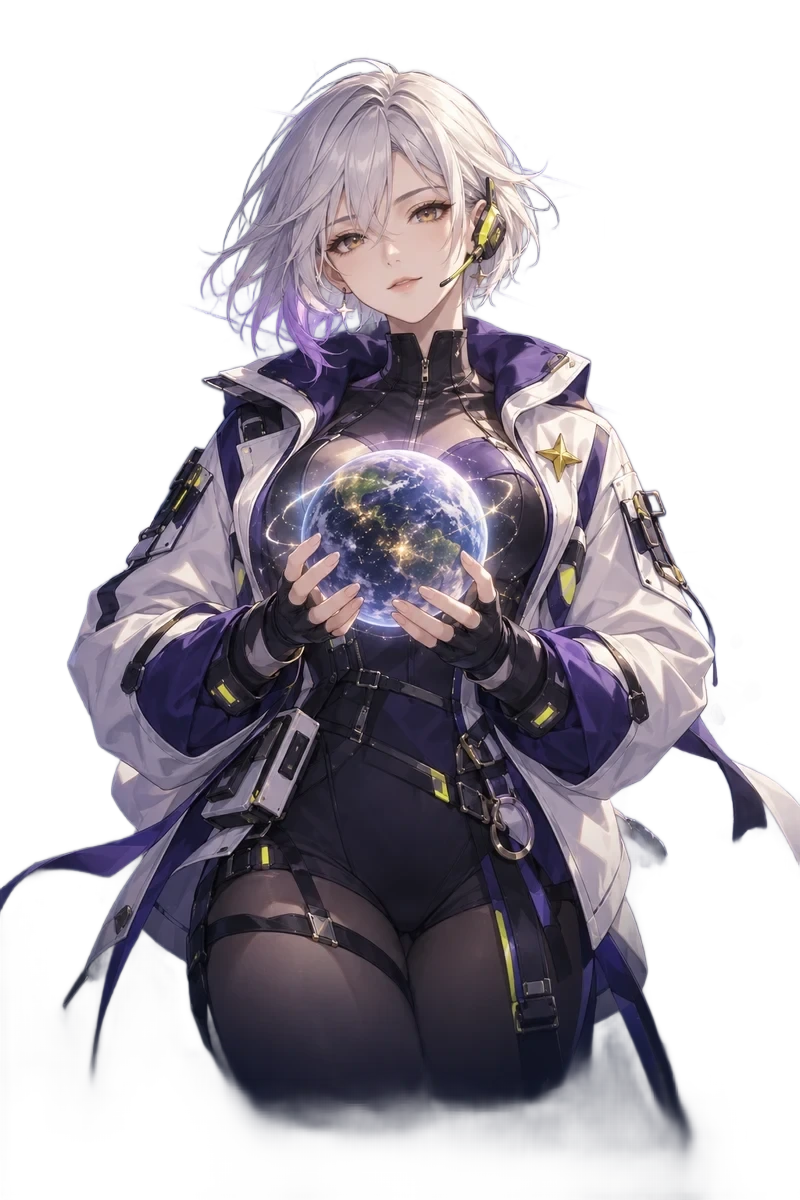
Separate the subject from its scene. Transparent edges let the background show through as the card turns.
Explore the complete 2-image card ↗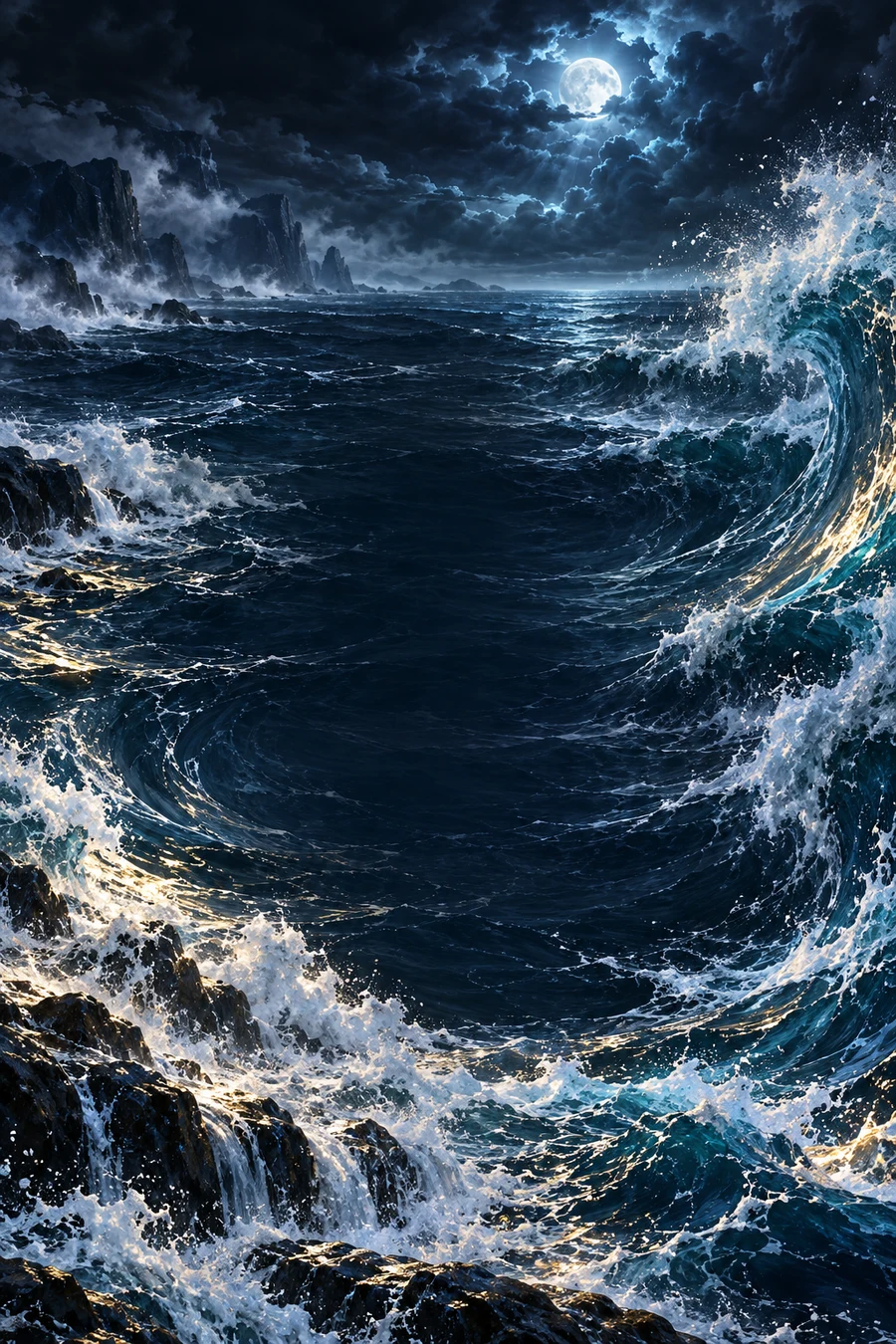
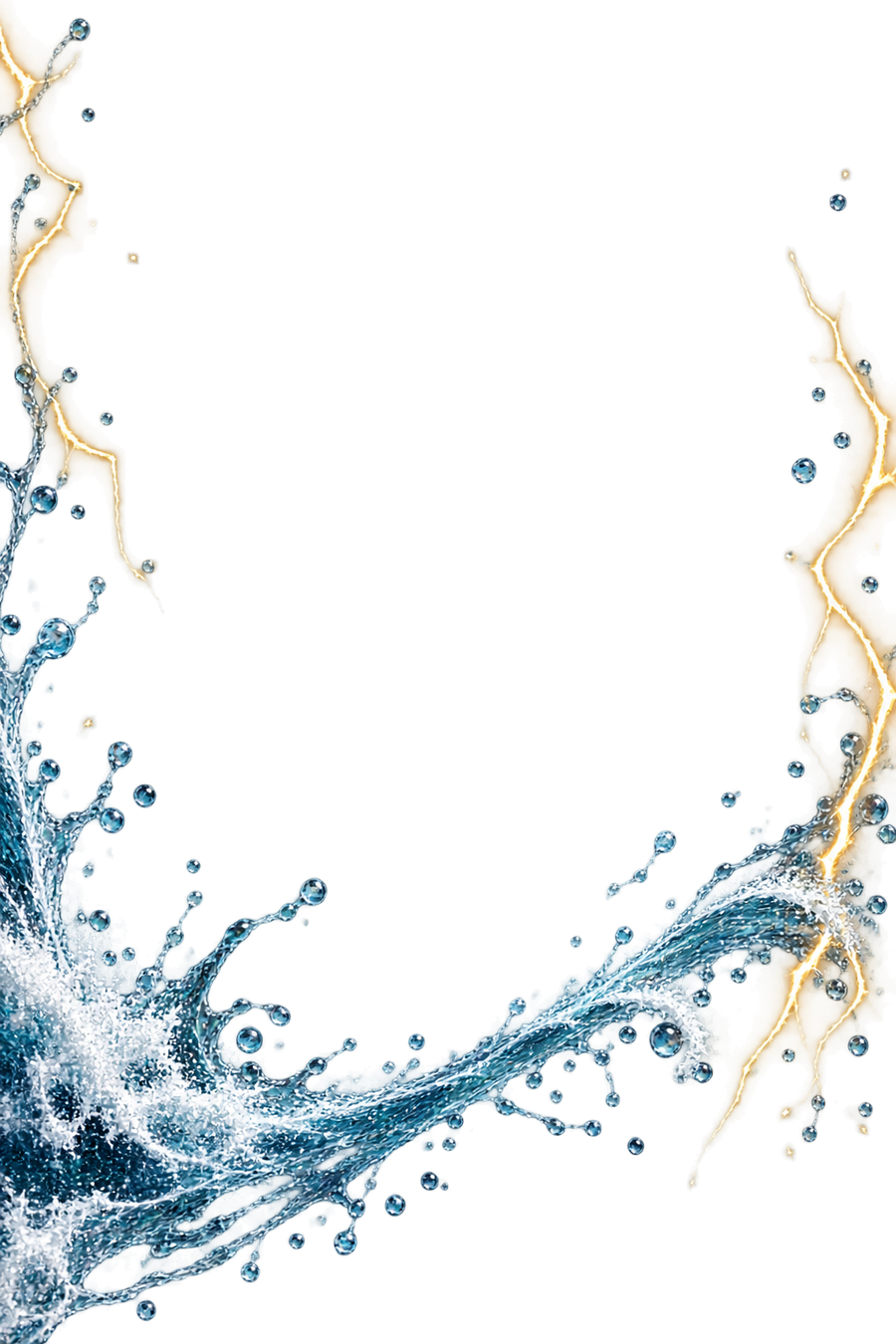
Add something in front: sea spray, petals or sparks. The foreground moves independently from your subject.
Explore the complete 3-image card ↗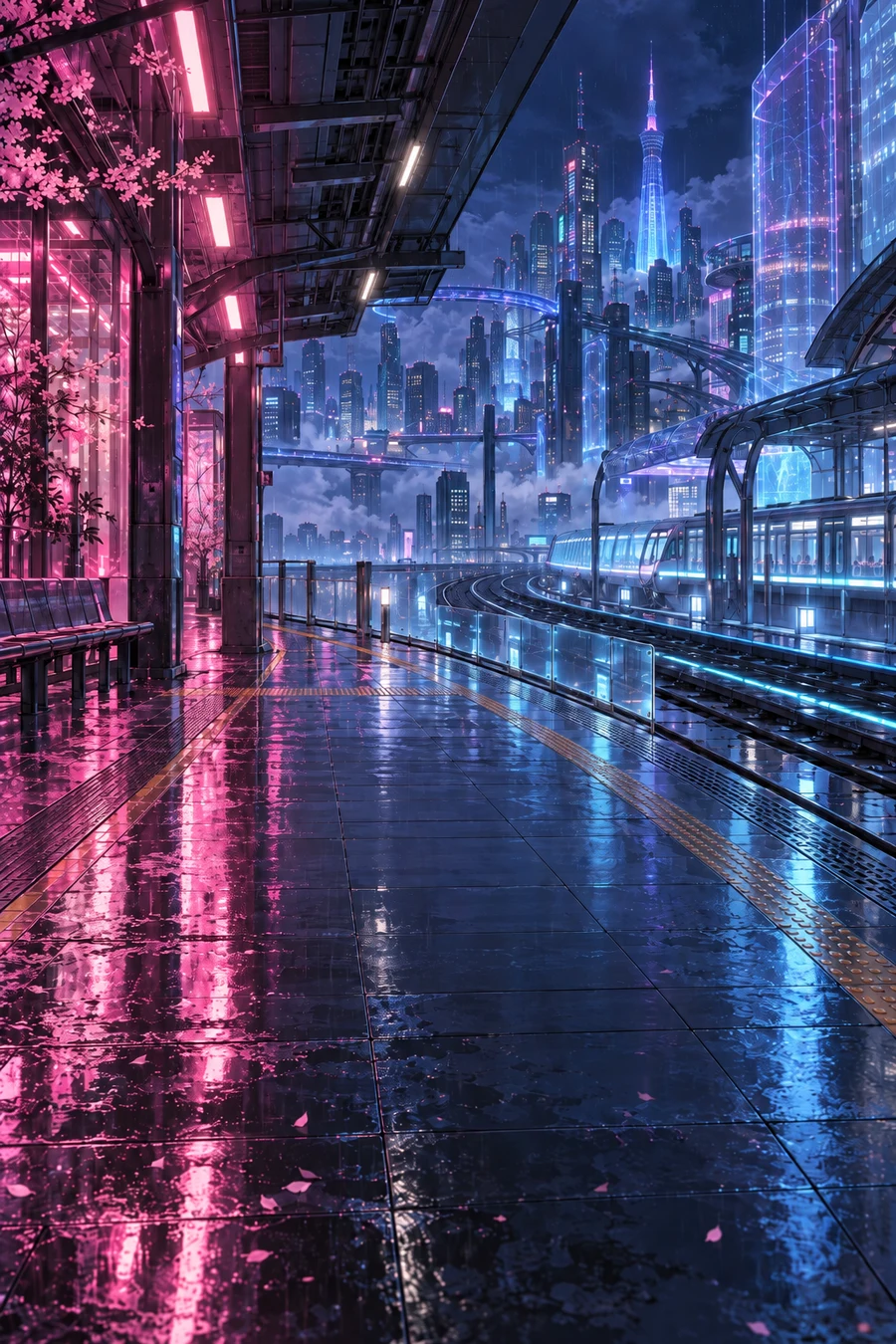
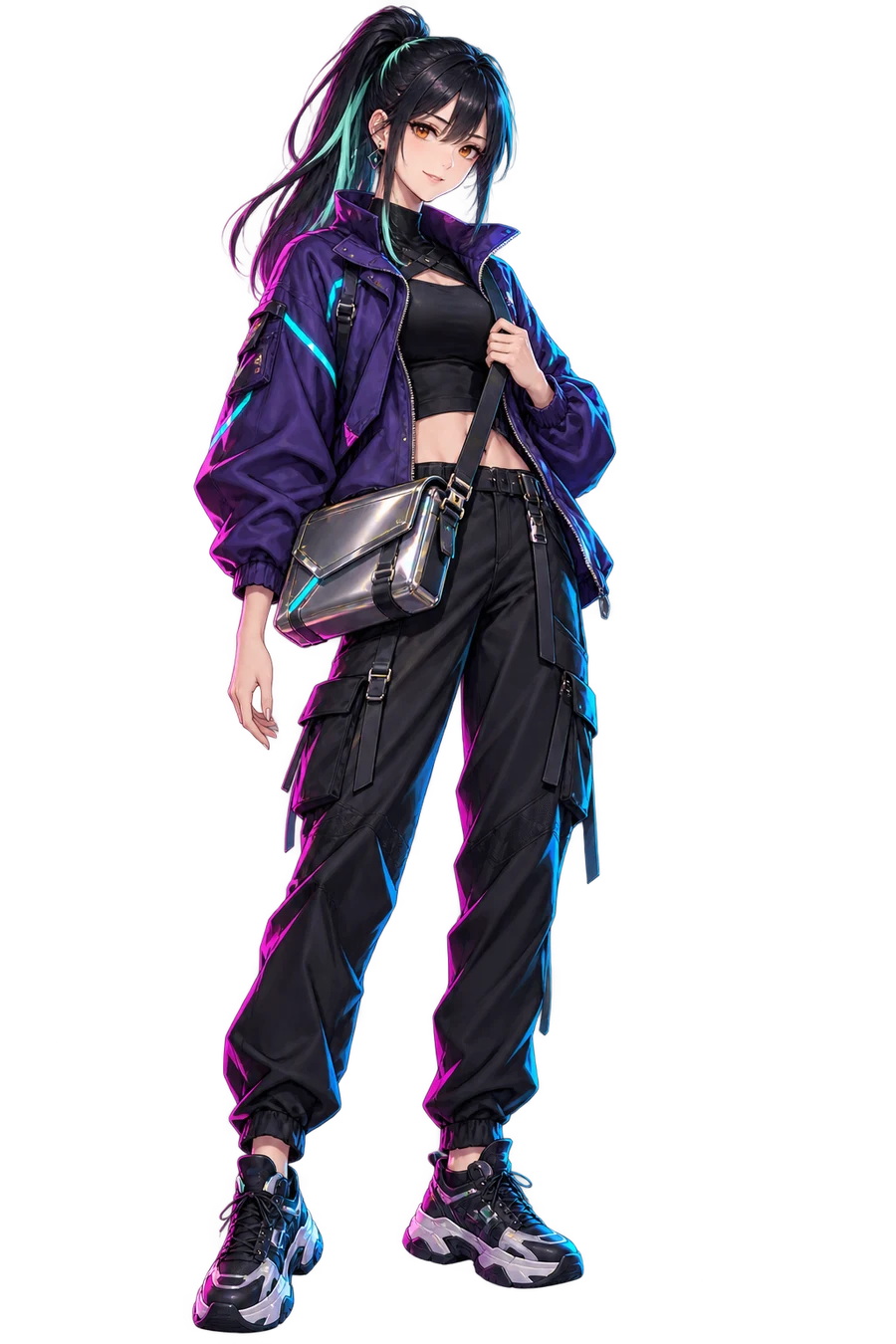
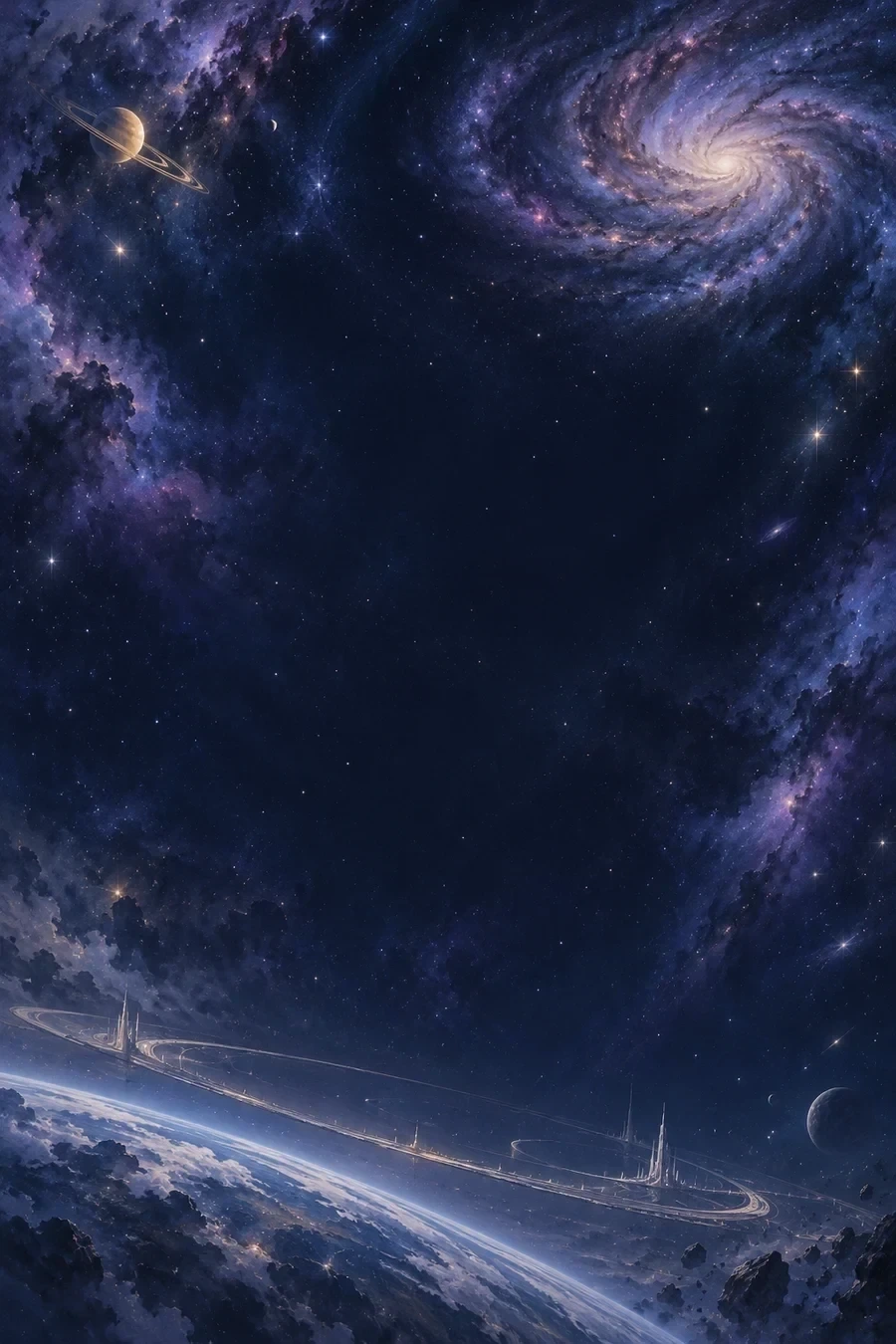
Build a middle scene behind the subject. An arch or orbit adds another step of depth.
Explore the complete 4-image card ↗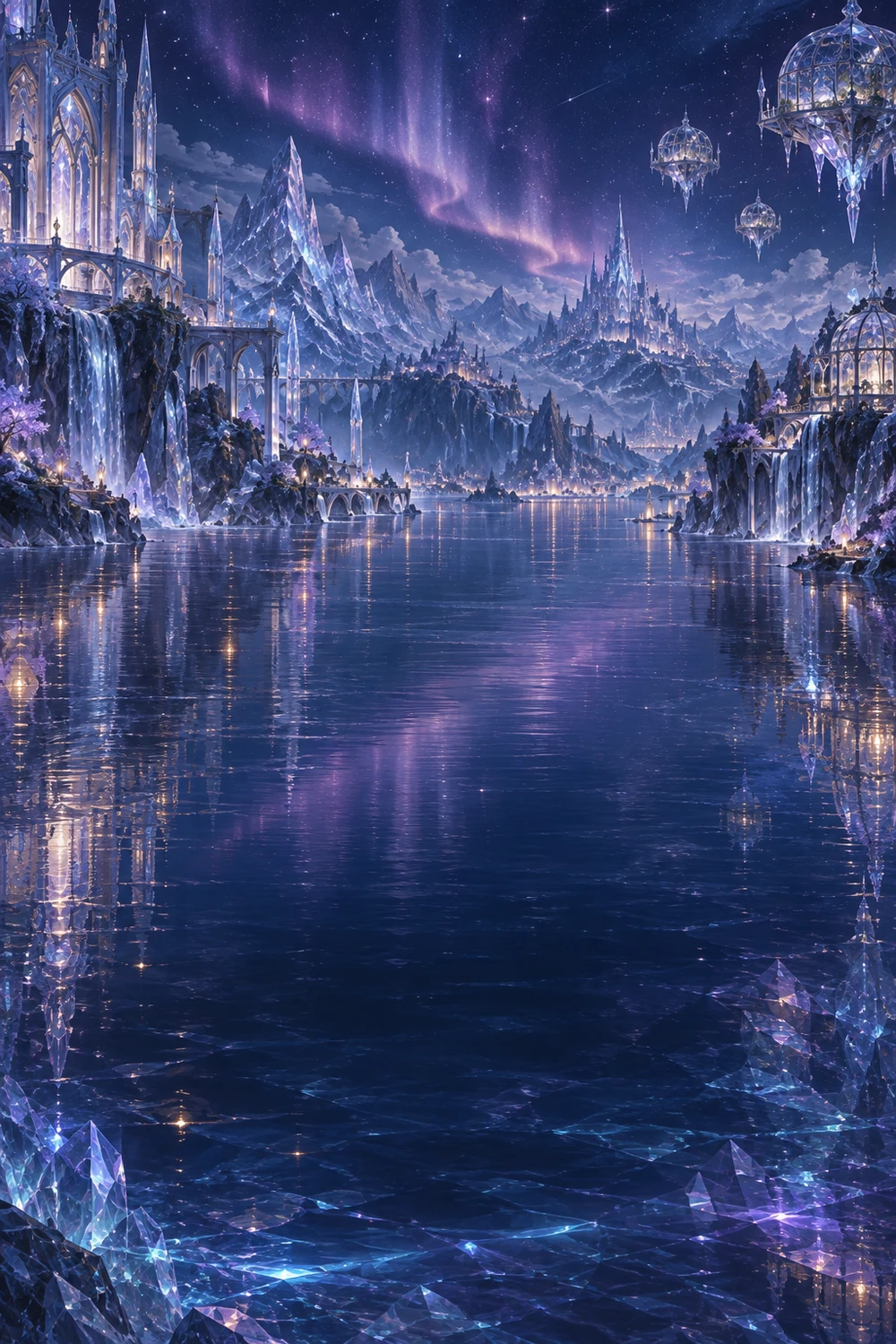
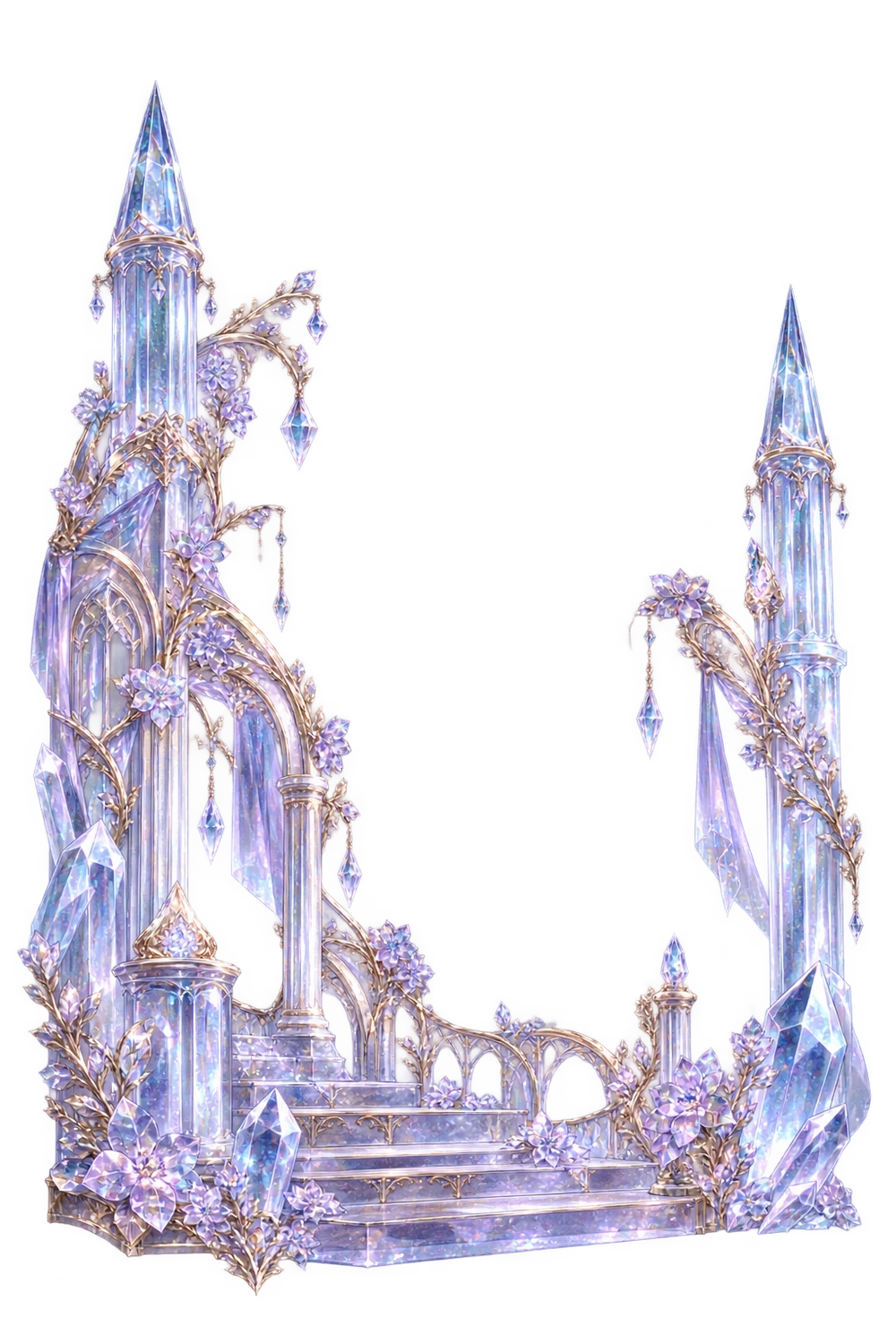
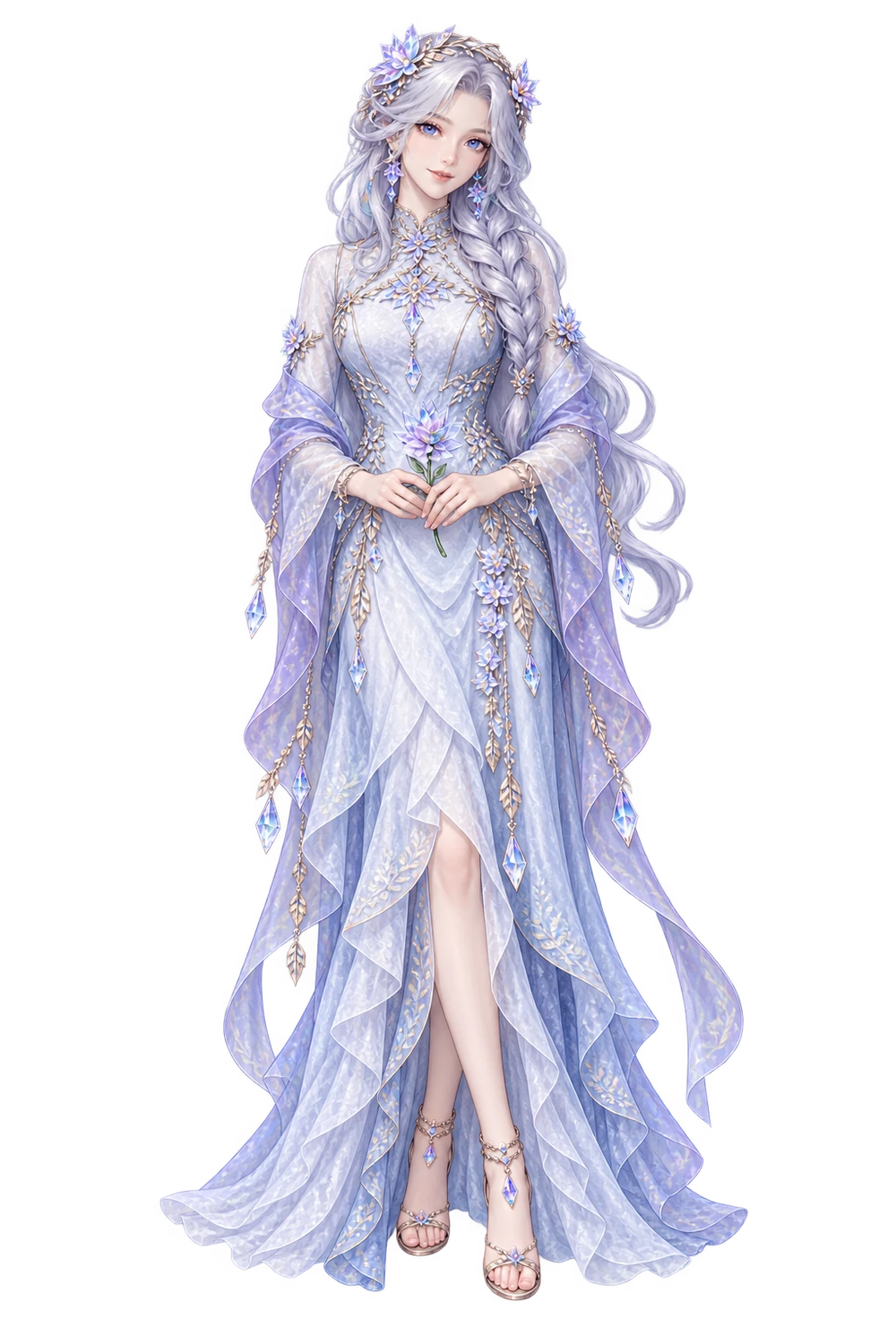
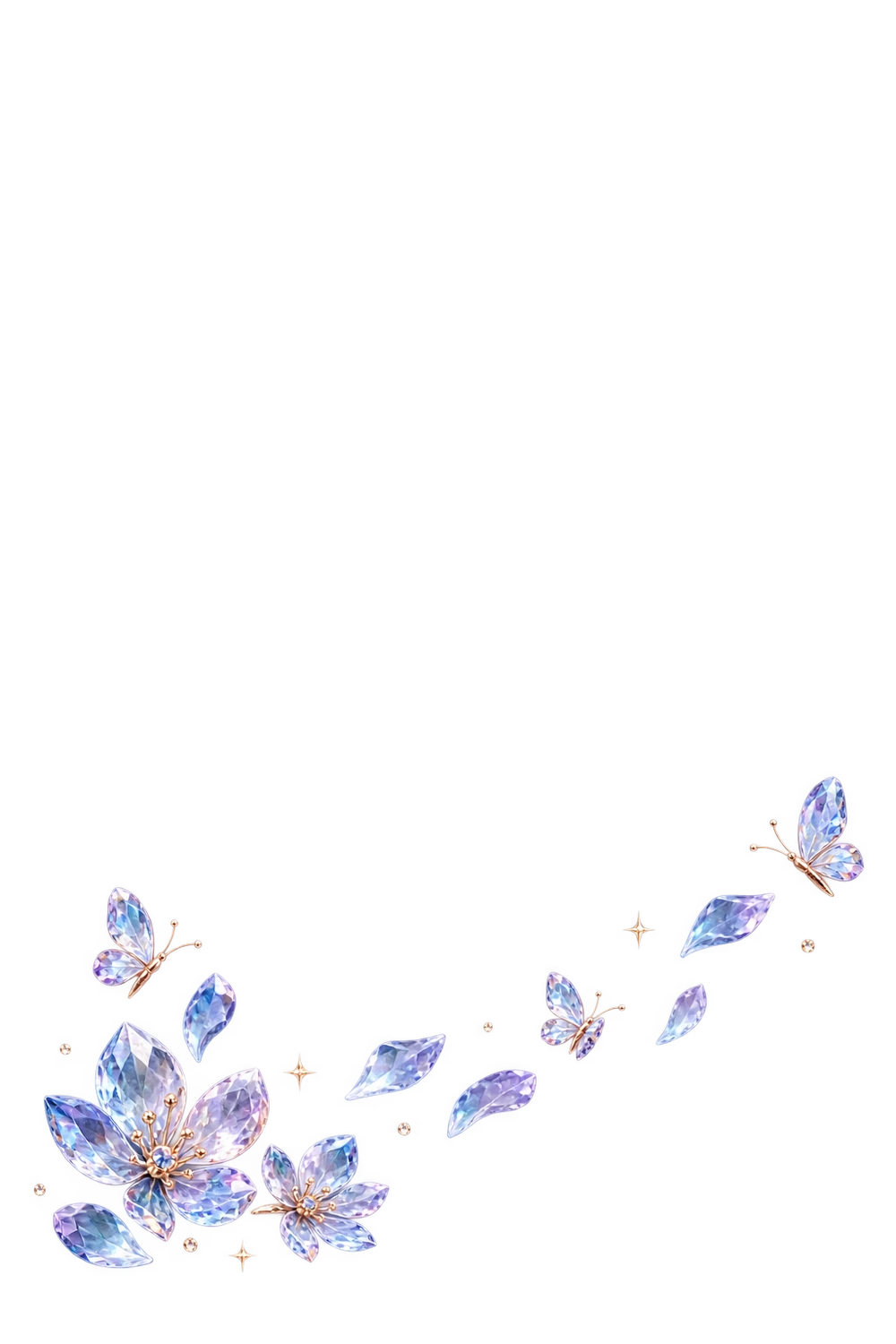
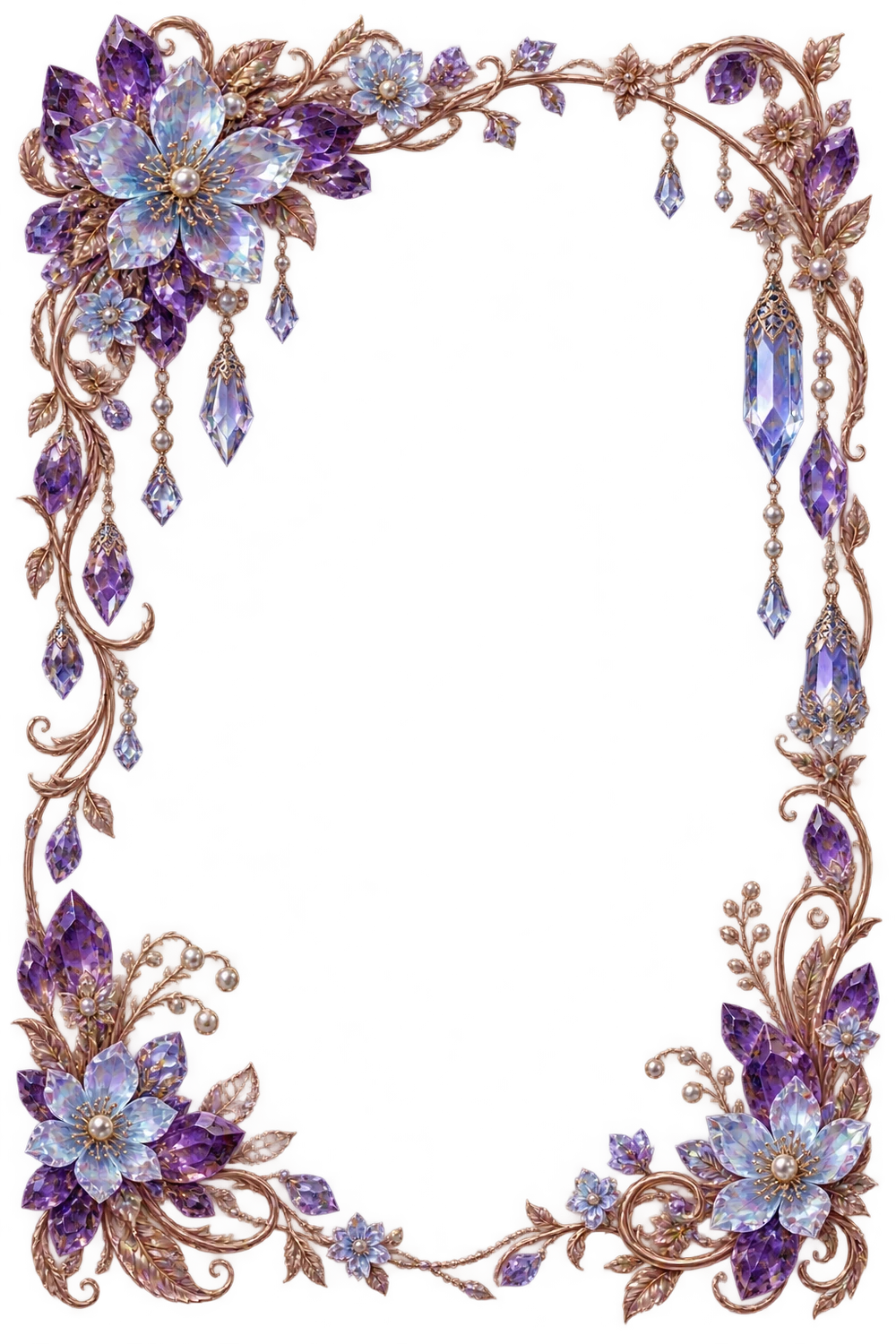
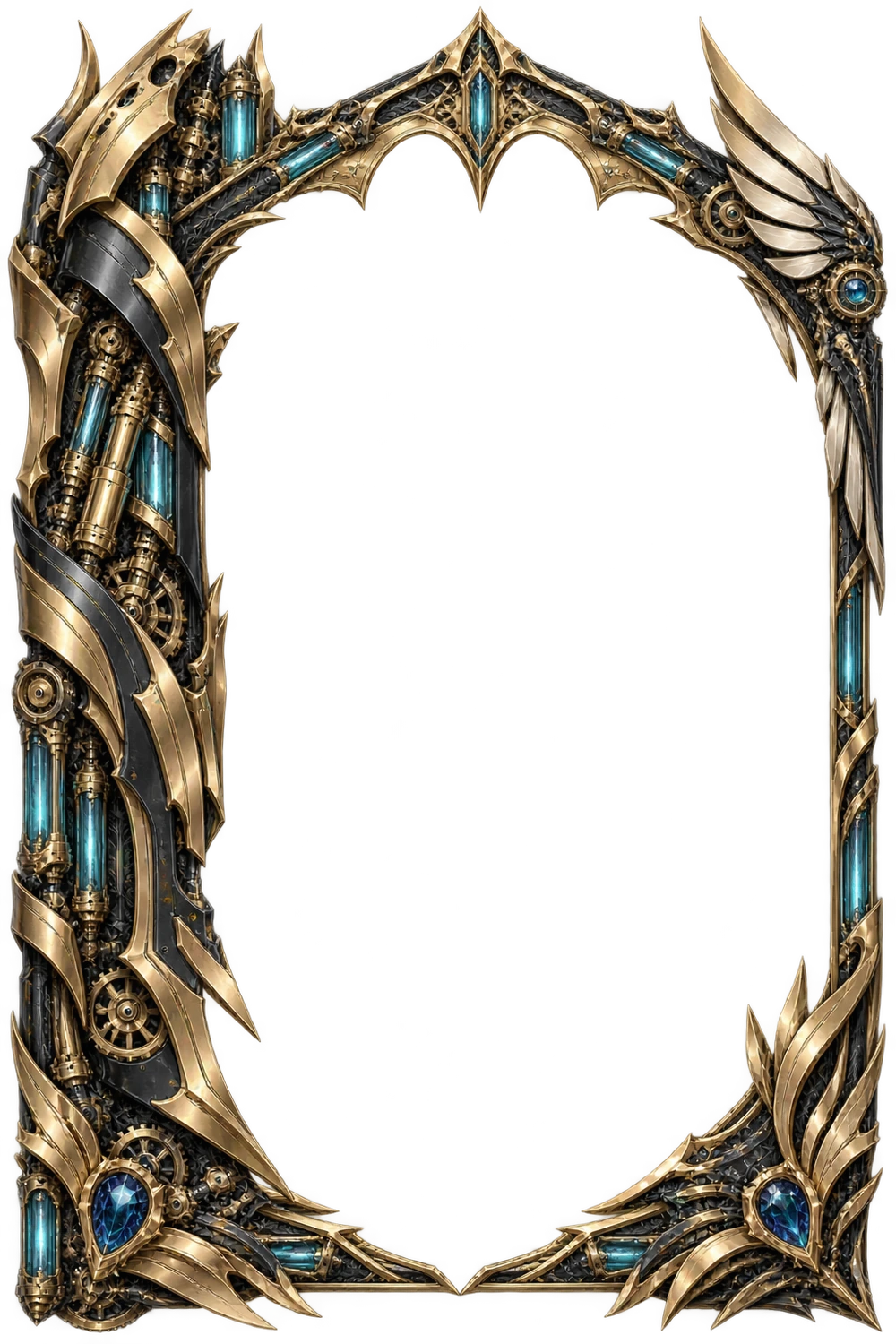
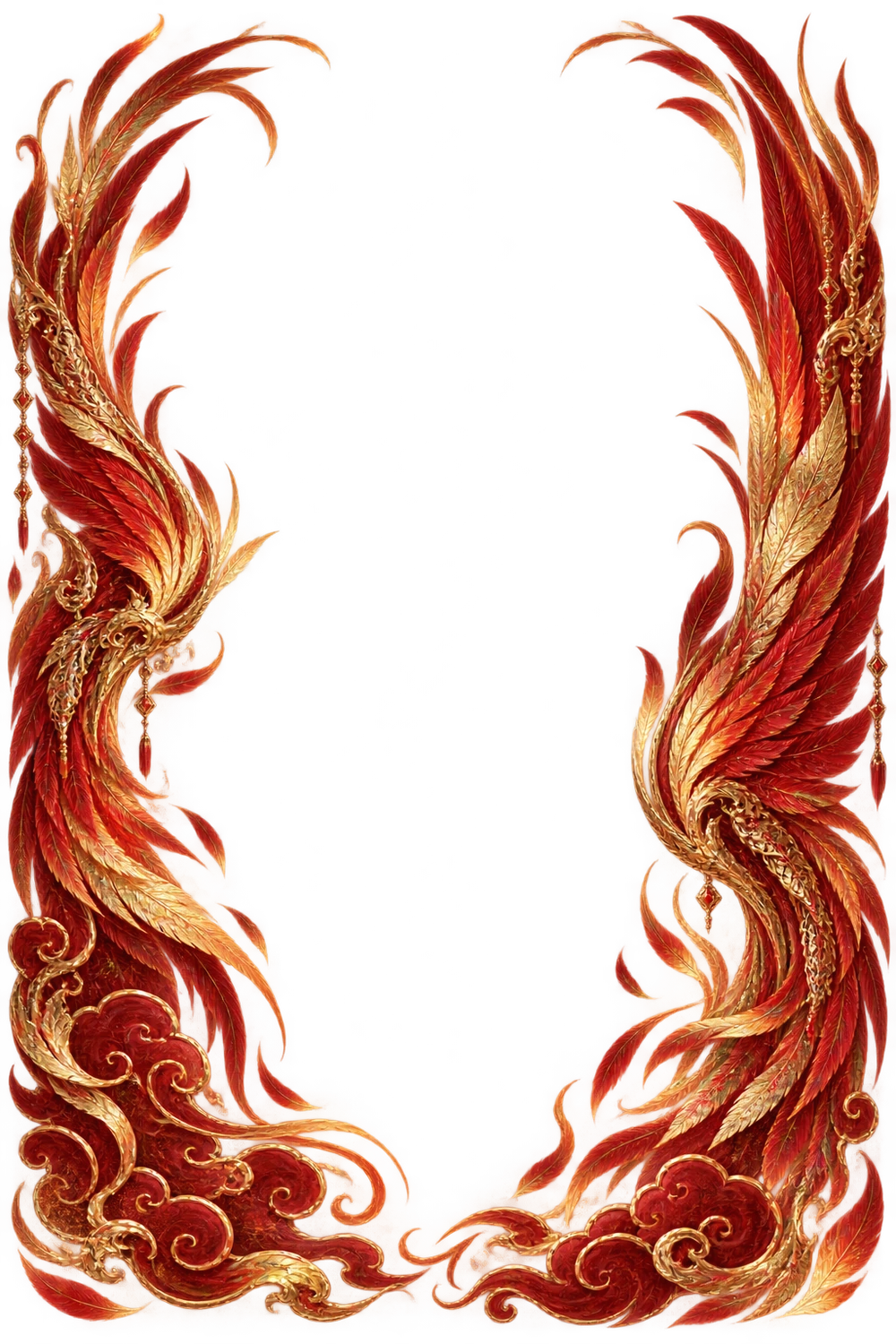
Finish with a separate decorative frame. Edit its artwork and typography together in the workspace.
Explore the complete 5-image card ↗MORE WORLDS TO COLLECT
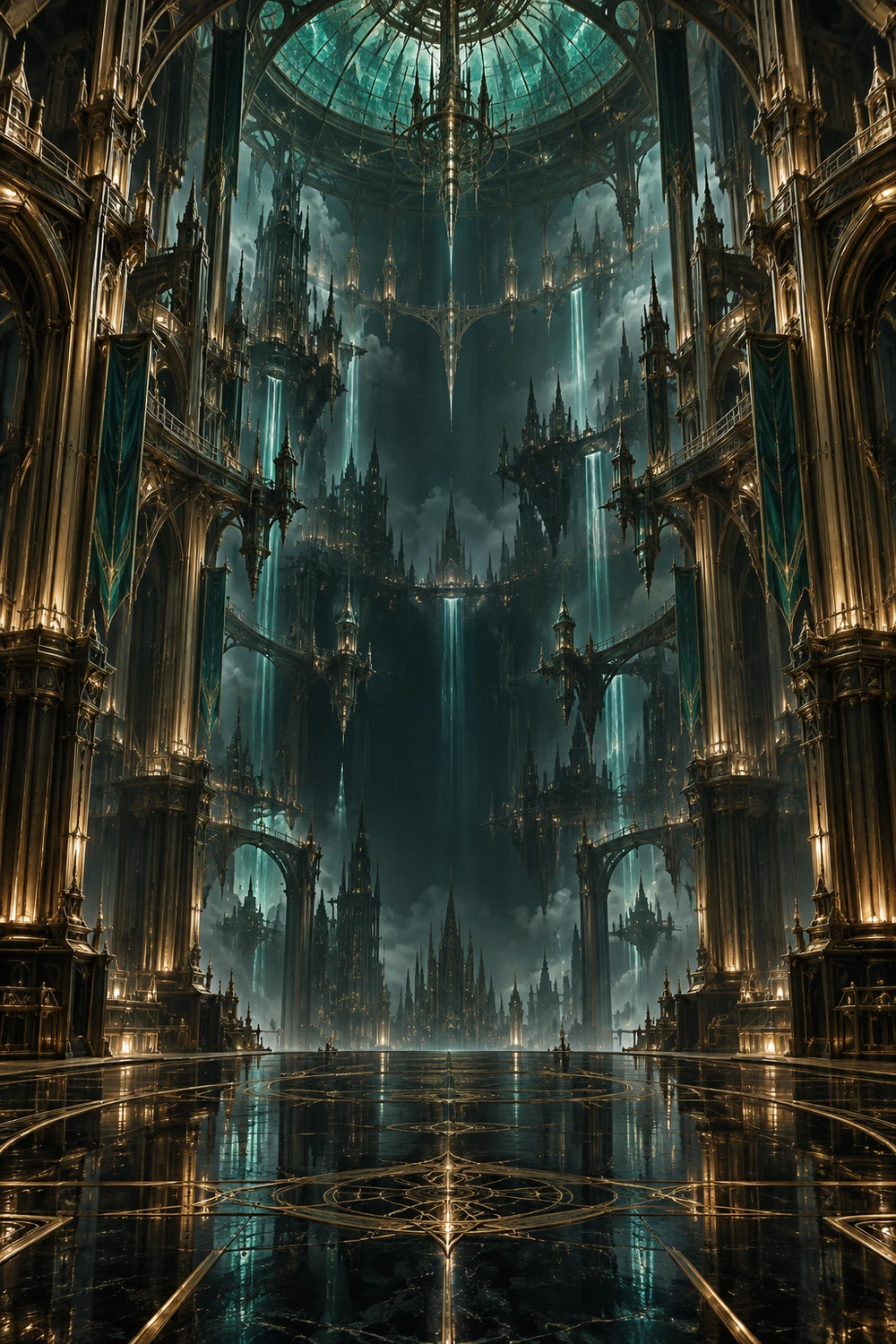
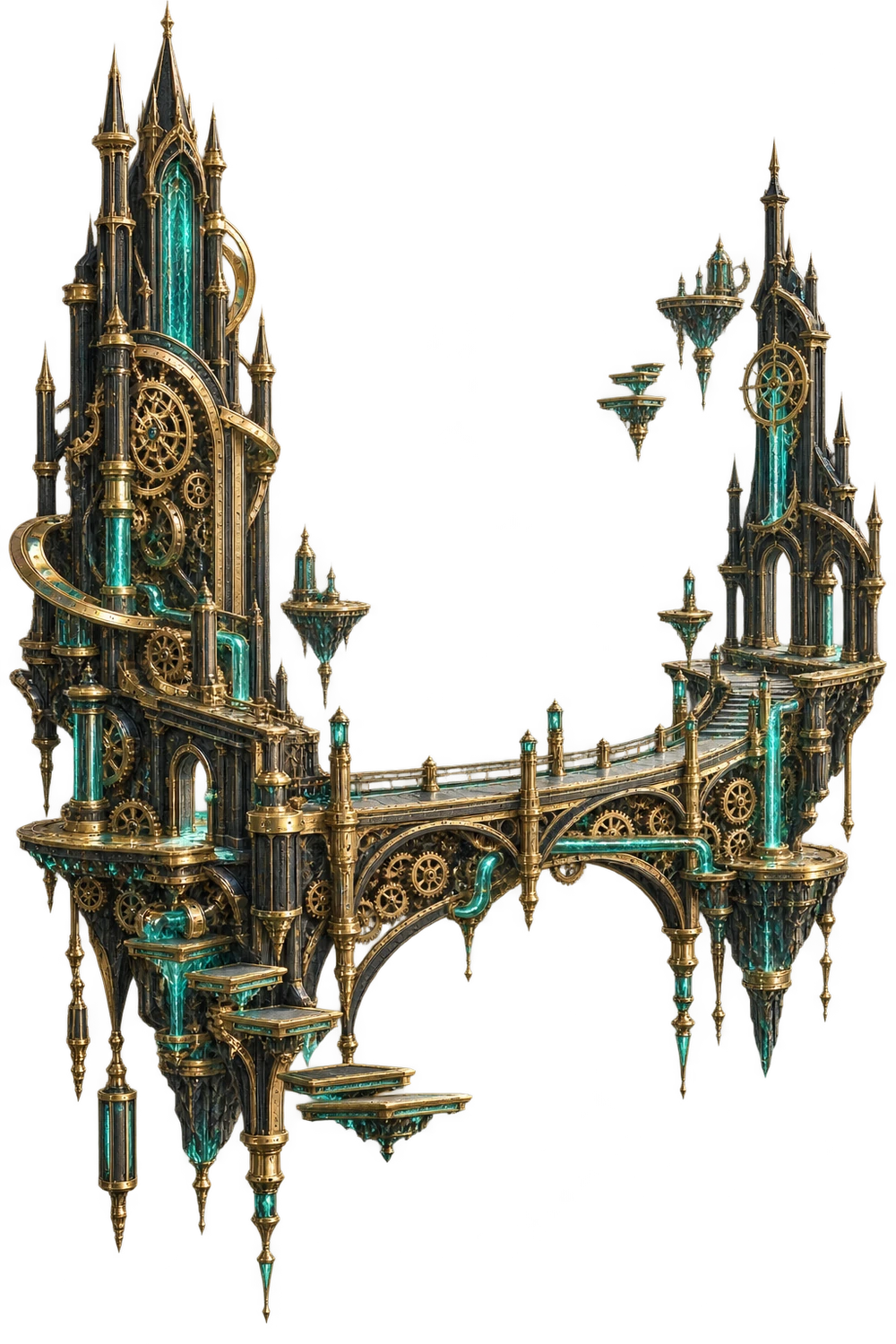
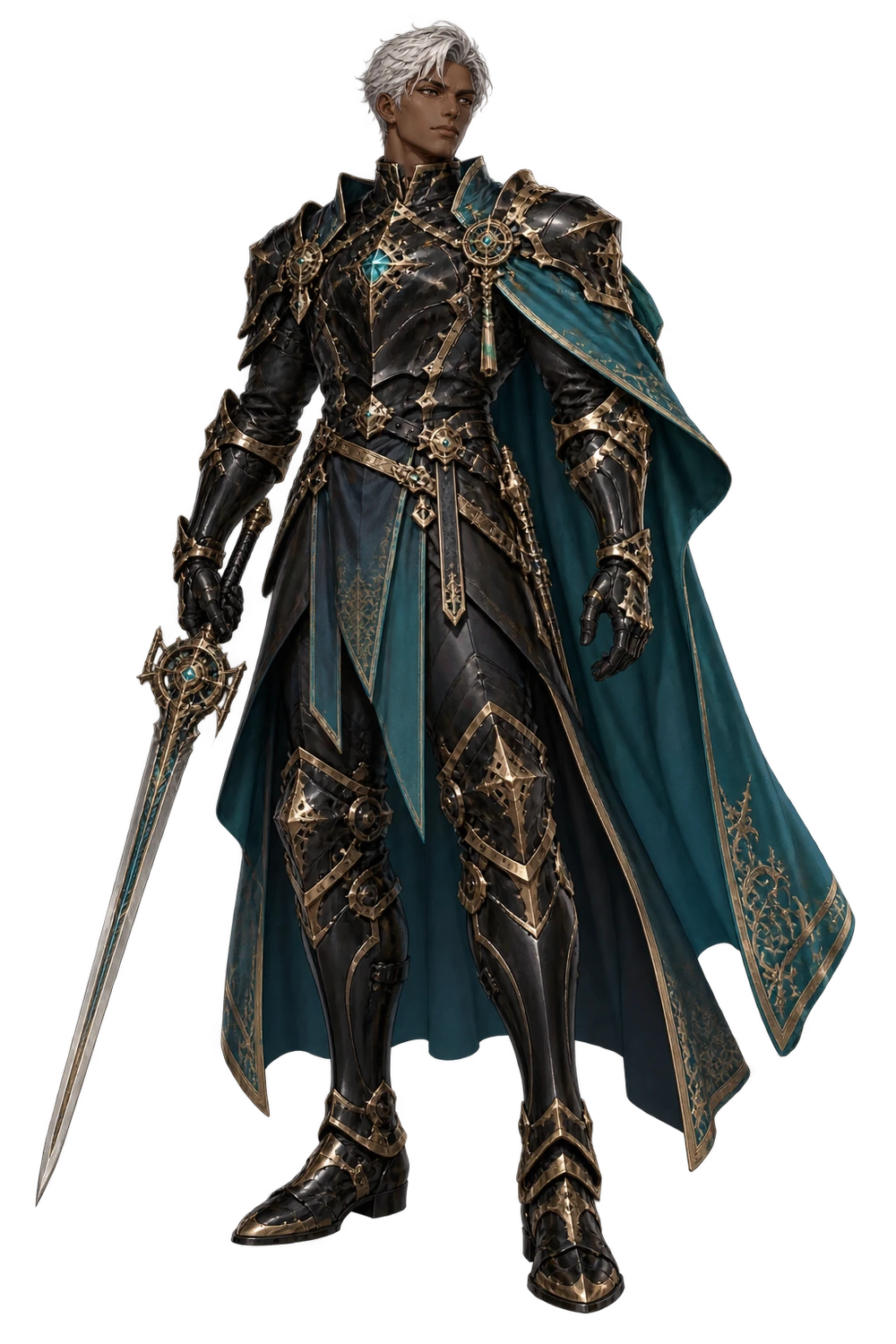
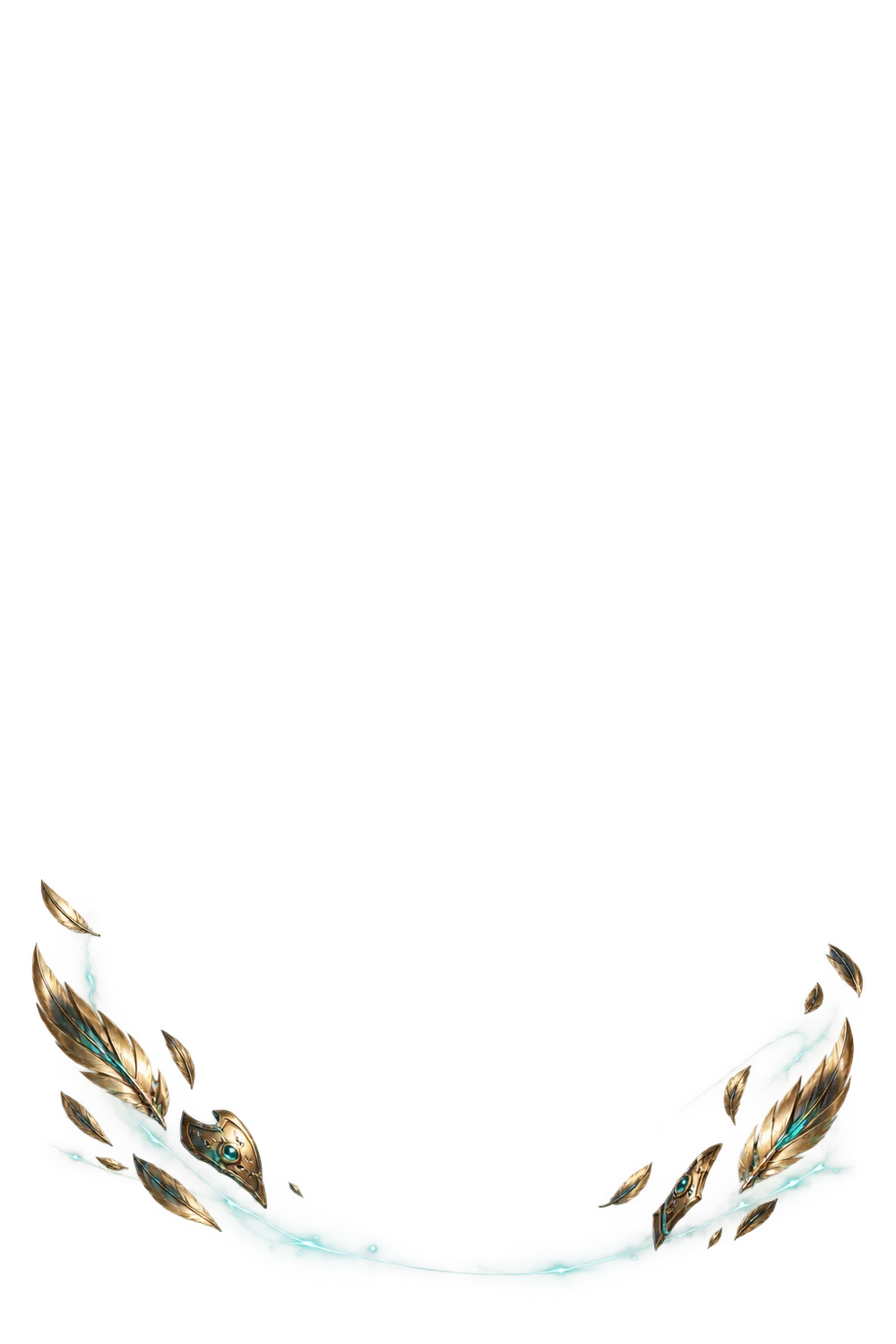

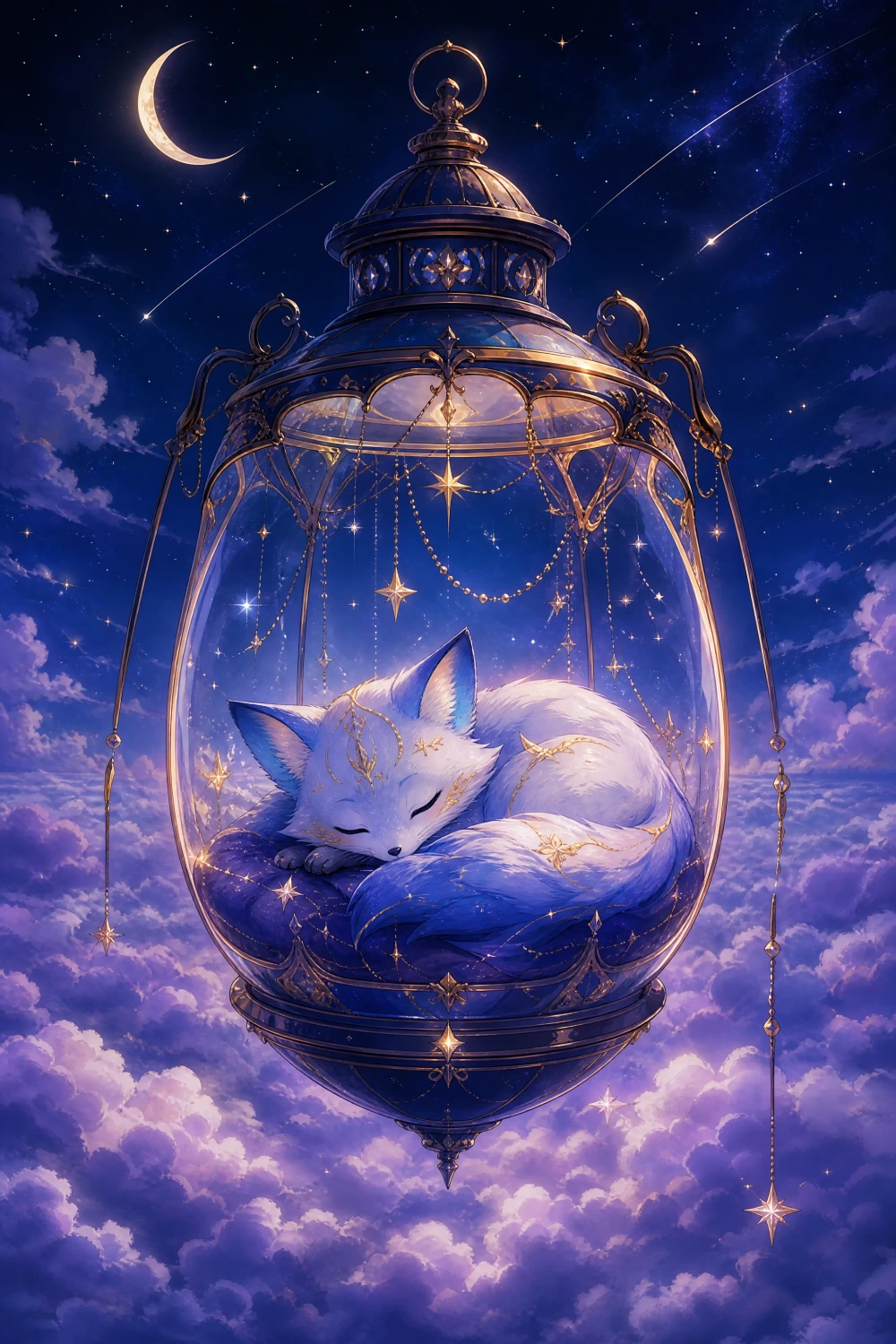
A BETTER PNG. A BETTER CARD.
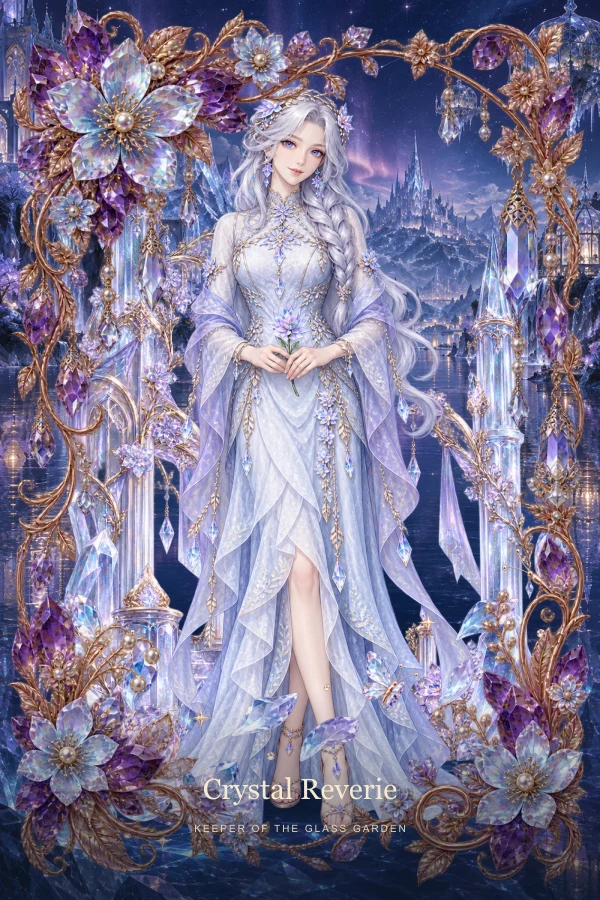
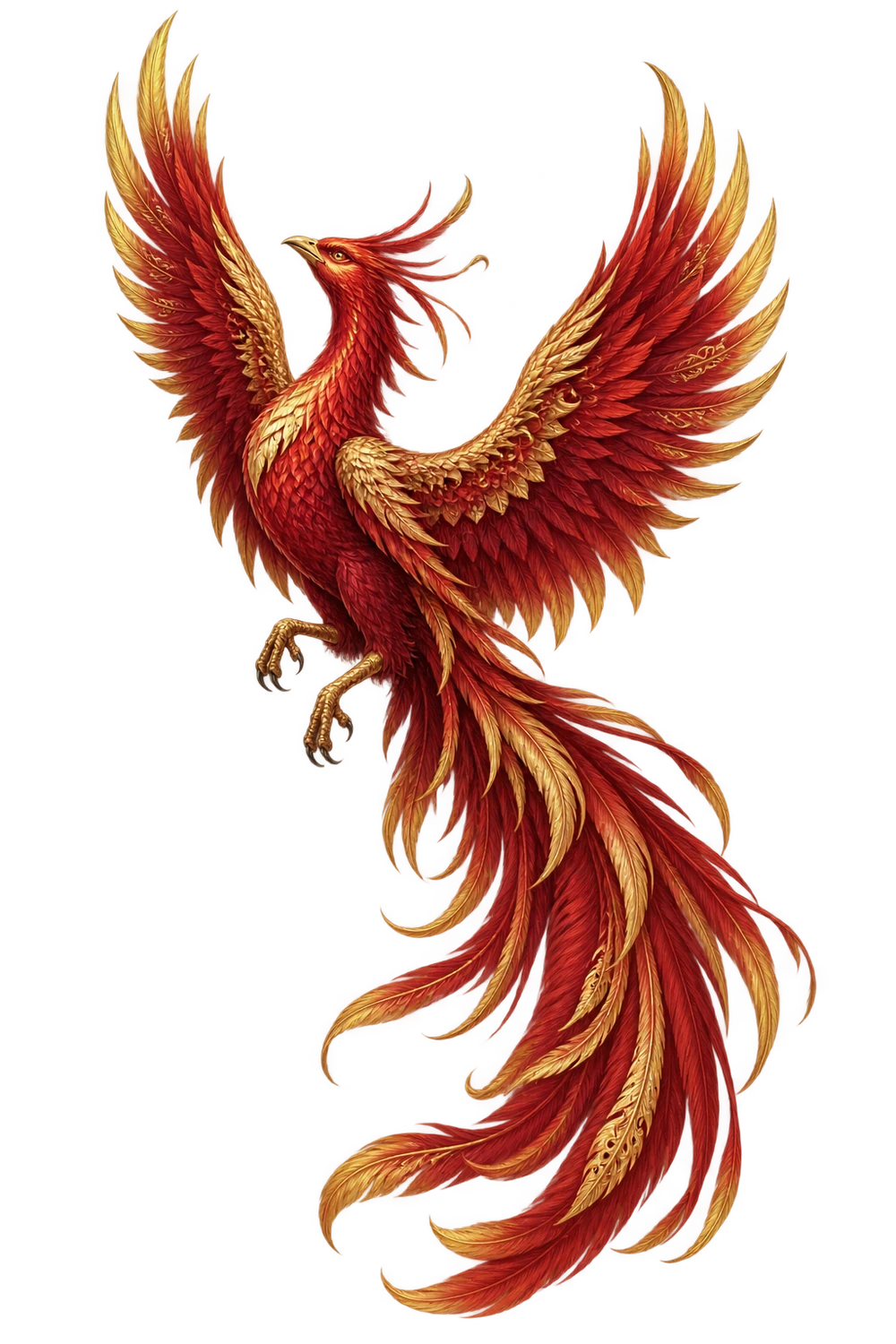
Keep hair, hands and accessories inside the canvas. Transparent space lets the scene behind show through.
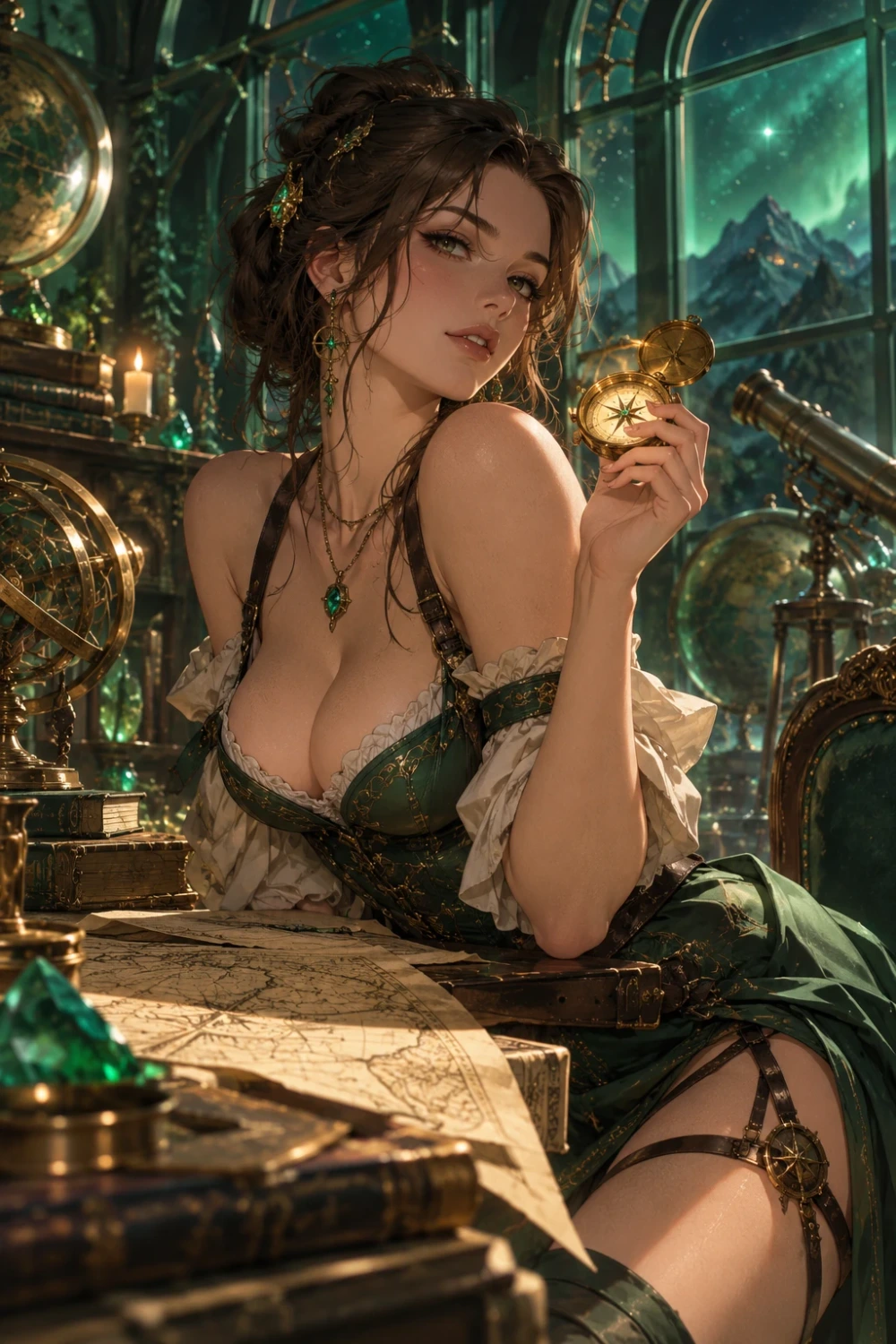
An adult crystal garden keeper in a flowing iridescent gown, complete silhouette, generous margin, isolated character, transparent background, no text.
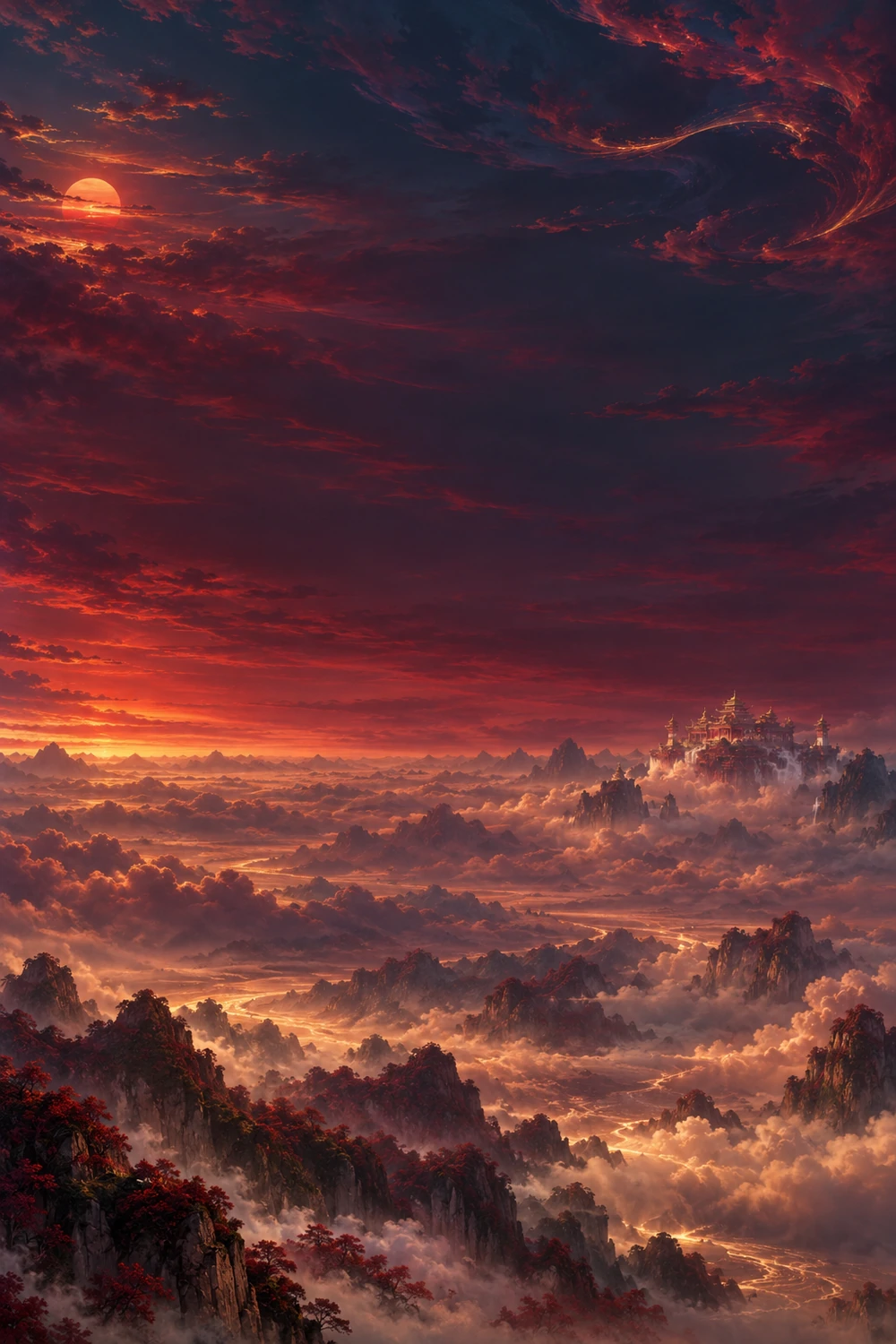
Create the environment separately. A calm central area keeps attention on your character. Portrait fits naturally; landscape is cropped without stretching.
A moonlit glass conservatory, luminous flowers in the distance, calm open center, no people, no border.
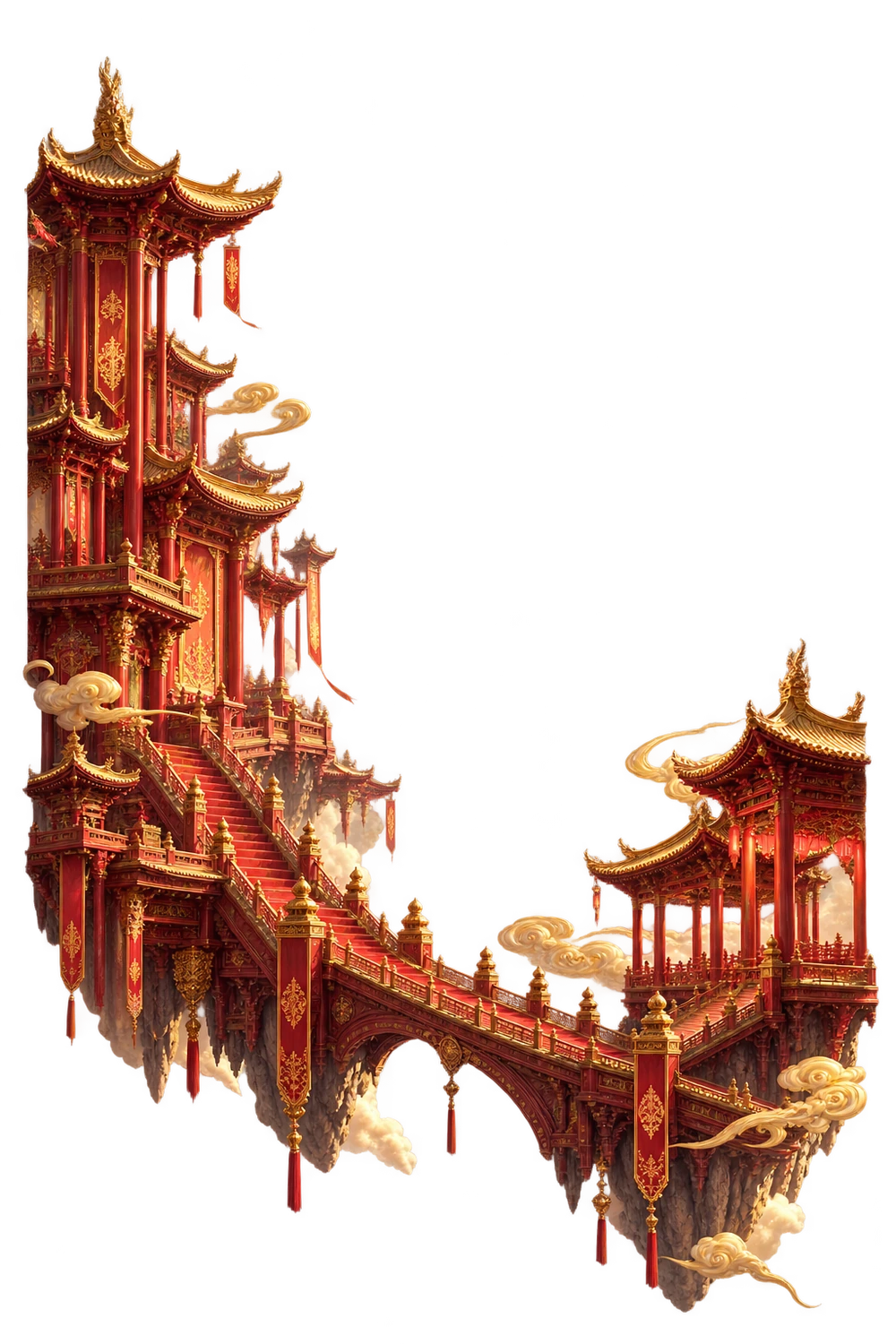
Place small effects around the lower corners. Keep faces clear and avoid a solid white layer. Our ready-made decorations are free to use.
Sparse tiny gold stars around the edges, mostly clear center, isolated decorative effects, transparent background.
THE FINISHING TOUCH
Free decorative presets.
Your words, fonts and placement stay editable.
A COLLECTIBLE THAT TRAVELS WITH YOU
All five images. Every reflection. Your words and design. Wrapped into one interactive HTML file, ready to keep and share.
Works in compatible desktop and mobile browsers with WebGL. Some messaging apps block HTML previews or attachments: save the file, then open it in a supported browser. Keep your copy before online storage expires.
FROM AN IDEA TO A KEEPSAKE
No design software. No 3D setup.
Just a browser and something you love.
Open an actual card example, explore its layers and choose a layout. Every layer can use your own picture.
Upload your own images, including transparent PNG cutouts. Use free scenery and effects to complete the scene.
Save an interactive HTML, then send it to someone you like. They can rotate the card, and you can import the file to edit it again.
MADE FOR THE THINGS YOU LOVE
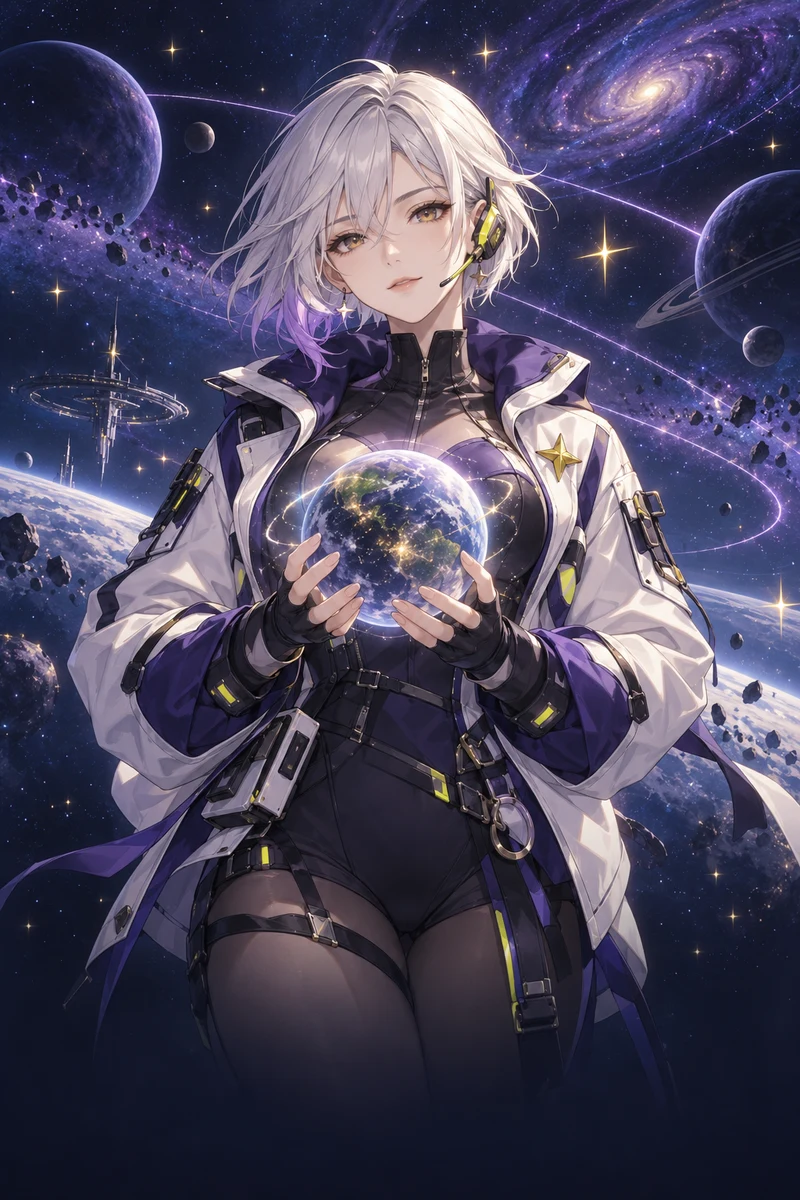 ORIGINAL CHARACTERS
Give an OC, indie game hero or illustration a home beyond the camera roll. Pair original art with a consistent frame for a whole collection.
Make your first character card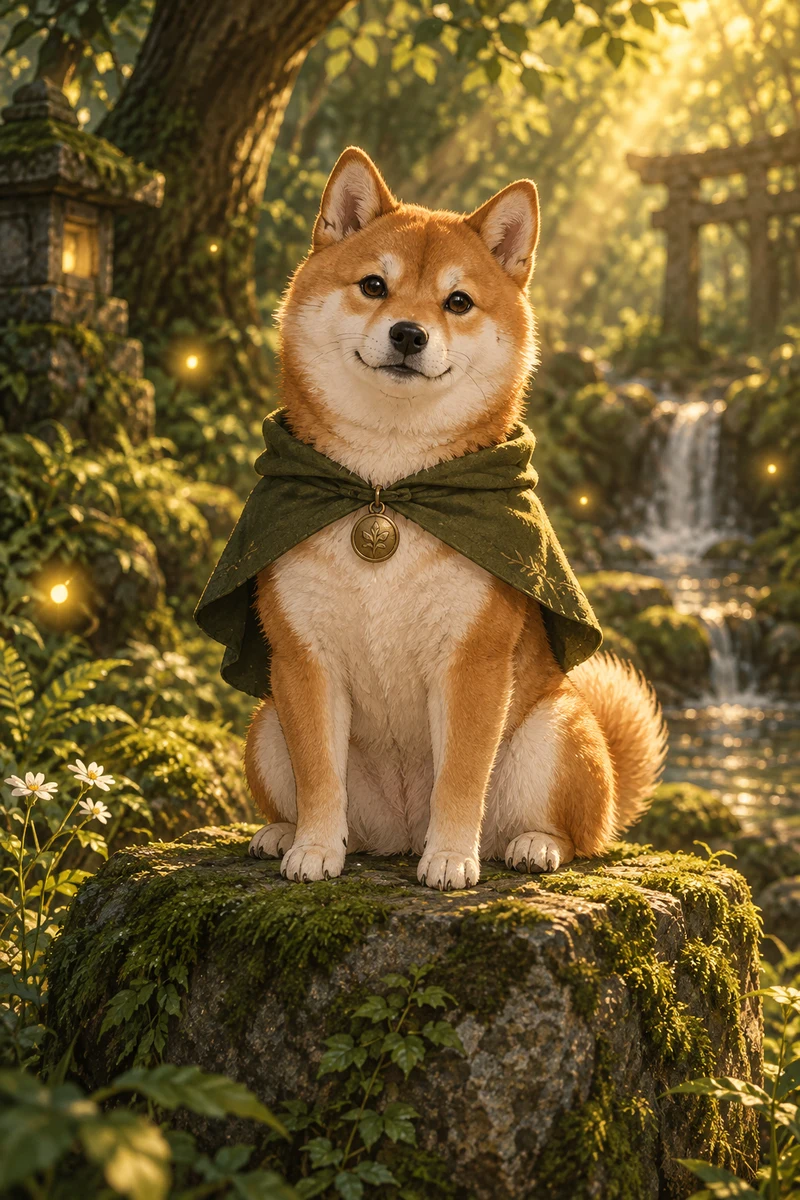 PETS & LITTLE LEGENDS
A keepsake for the cat who runs your house or the dog who makes every day better.
Make a pet cardPERSONAL MOMENTSTurn a birthday, a friendship or a favorite memory into a card. Add a personal dedication beneath the name.
Create something personalBEFORE YOU CREATE
Everything to know about your next collectible.
Yes. Upload your own images and freely edit 1–5 layers, text, frames, card backs and holographic light. Save an interactive HTML or sign in to save your card online for 30 days.
In the workspace, choose Lenticular · A ↔ B. Upload a complete second picture as View B, enable the effect, and tilt the card to switch between both images. Fine-tune the flip angle, transition softness and lens density. View B is separate from the 1–5 depth layers.
No. We use your picture as uploaded. Opaque areas cover the layers behind them. Use a transparent PNG for characters, frames and foreground effects when you want the scene behind them to remain visible.
Yes. Portrait artwork suits the card naturally, and landscape pictures are also supported. Adjust each layer's size, position and rotation in the workspace.
Keep the whole subject inside the picture, use a clear silhouette and leave space around hair and accessories. For foreground effects and frames, leave the center mostly transparent.
Every newly saved online card is available for 30 days. Your collection shows the expiry date. Download HTML before it expires to keep the complete card and reopen it later. Local drafts stay in this browser for 7 days.
Yes. Save the interactive HTML and send it to a friend, or copy the link after saving online. The file includes the artwork, effects and a link to make a new card here. Some messaging apps block HTML previews; save the attachment and open it in a compatible browser.
Yes. Choose Import saved HTML in the workspace. It restores your pictures, text and settings without uploading them. If online files expire and you have no downloaded copy, we cannot restore the artwork.
Yes. Drag with your finger to rotate the card, tap to change sides and use the editing panels below the preview. Interactive effects require a browser with WebGL support.
You must sign in to comment or reply. Public comments show an anonymous maker name. We retain the account association to prevent abuse. Only plain text is allowed; links, email addresses and HTML are blocked.
Editing and downloading stay on your device. Saving online creates an unlisted link that anyone with the link can view and forward. Only share pictures you own or have permission to use.
YOUR COLLECTION STARTS WITH ONE
Free browser editor · No download required